The cluttered desktop will slow you down faster than you imagine. It becomes more difficult to locate what you want by having files, folders, and shortcuts scattered on desktop. This is not only the waste of time, but also impacts on your concentration as you work or study.
A lot of users try to organize their desktop manually. Soon enough they find themselves back at the same spot a few days later with a cluttered desktop. This is where desktop management tools come in. These will assist you in keeping things in order without having to work hard all the time.
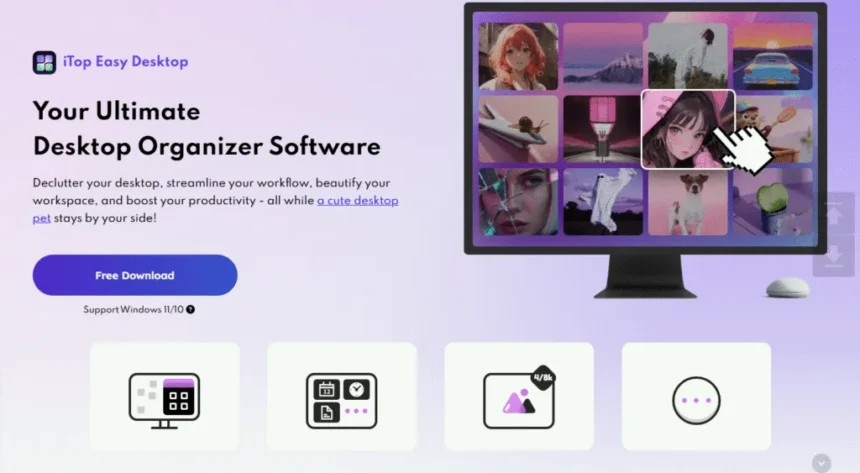
iTop Easy Desktop is one of the tools that helps users to make their PC screen organized. In this article, we will discuss how it works, its key features and how you can use it to have a clean and efficient desktop space.
What Is iTop Easy Desktop?
iTop Easy Desktop is a windows based desktop organizing application. It assists in organizing icons, files and folders into orderly systems to make your screen look clean and easy to use.
The software automatically groups the items into structured boxes or sections. So, you don’t have to spend a lot of time in manually dragging the icons around the desktop space. This will simplify the process of locating files fast, and keeping your desktop under control.
It is useful for:
- Students handling study materials.
- Clerical personnel dealing with numerous documents.
- Content creators for organizing their multiple projects
- Anyone who likes to keep a clean desktop.
The interface is easy to use and thus even a beginner can use it immediately.
Why Desktop Organization Matters?
A cluttered desktop is more than just a visual problem. It can affect how you work and your productivity.
- Saves Time: With everything arranged, you do not have to go through dozens of icons. It is easier to locate files immediately.
- Improved Concentration: A clean screen will make it easier to be focused on what you need to do.
- Makes the Desktop Less Stressful: As soon as your workspace is well arranged, your work process becomes less demanding and stressful.
- Keeps Files in Order: Arranging files into categories will make it difficult to lose valuable files.
A cluttered desktop is more than just a visual problem. It can affect how you work.
Key Features of iTop Easy Desktop
Let’s take a closer look at the features that make this tool useful.
Smart Desktop Boxes
The possibility to create boxes on your desktop is one of the main features of this tool. These boxes will serve as containers and you can arrange similar files and shortcuts in them.
You can make individual boxes of:
- Work documents
- Personal files
- Applications
- Media files
After organizing, your desktop becomes much simpler to handle.
Automatic Icon Organization
The tool can also automatically sort the icons instead of dragging them individually. It identifies various file types and groups them together into the appropriate groups. This not only saves time but also makes your desktop cleaner without any manual work.
Quick Access Panels
The iTop Easy Desktop will enable you to find the most necessary files within a short amount of time. You are able to open most commonly used folders or apps in organized sections.
This cuts down on the time wasted in sorting out clutter.
Hide and Show Desktop Icons
There are times a clean screen is required especially when making a presentation or recording a screen. The software also has an option that allows you to hide all desktop icons with a single click. You can bring them back any time you need them without any hassle.
Customizable Layout
Users have the option of customizing the appearance of their desktop. You can resize, move or even arrange the boxes in the ways you want. This will enable you to create a layout that suits your workflow.
Lightweight and Easy to Use
The software is designed to run smoothly without slowing down your PC. It does not require complex setup. Even more, most of its features are easy to understand.
How to Use iTop Easy Desktop?
Getting started with the software is simple. Follow these steps to organize your desktop.
- Download and Install
Go to the official site and install iTop Easy Desktop. Once the installation is completed, follow the instructions on the screen to launch the program.
- Scan Your Desktop
Once the program is started, it will scan your desktop icons. It recognizes various types of file types and gets ready to sort them.
- Create Desktop Boxes
Categories will be automatically recommended by the software, or you can create your own. You can add a new box, name it according to the types of files you want to store in it (for example, “Work” or “Media”), and then drag files into the box.
This helps group related items together.
- Customize Your Layout
The size and placement of each box can be customized according to your screen. You are also able to organize them in a manner that is comfortable to your workflow.
- Use Quick Access Features
You can open the files directly from their boxes once you have organized everything. This will help you to make navigation quicker and more convenient.
Tips for Keeping Your Desktop Organized
Despite of having a desktop organizer tool, some habits are important to keep a clean desktop.
- Do not save all the things on your desktop.
- Use clear names for your folders
- Bunch together files that have the same purpose.
- Periodically eliminate shortcuts that are not used.
These are some quick measures that can ensure that your desk is tidy in the long run.
Final Words
An unorganized desktop can drag you down and make easier tasks to be more difficult than they actually are. Organizing everything not only helps you to save time, but also enhance your workflow as a whole.
iTop Easy Desktop is an easy tool to organize your desktop, grouping files and create a more convenient workspace. It allows users to stay organized without having to go out of their way with features such as automatic organization, customizable layouts and quick access panels.
When you feel like having a tidier and more organized desktop without wasting time to arrange files manually, this is the right solution to choose.