Losing files on your Windows PC, whether due to accidental deletion, formatting, unexpected system shutdowns, or corrupted storage, can put you in trouble. The good news is that several reliable, free data recovery software tools are available to help you recover your lost files in Windows without much effort. However, with so many options out there, choosing the right data recovery tool can be challenging. But don’t worry!
To make things easier, we’ve investigated six of the best free tools available in 2026 to help you restore your lost data. In this article, we’ll explore the top 6 free data recovery software tools, highlighting their key features, best use cases, and everything else you need to know. Let’s check everything in detail!
Everything You Need to Know About Top 6 Free Data Recovery Software
Data recovery software can be your lifesaver for data loss instances. Here are the top 06 free data recovery software tools for 2026, along with what makes each one worth trying:
01: Stellar Data Recovery Free
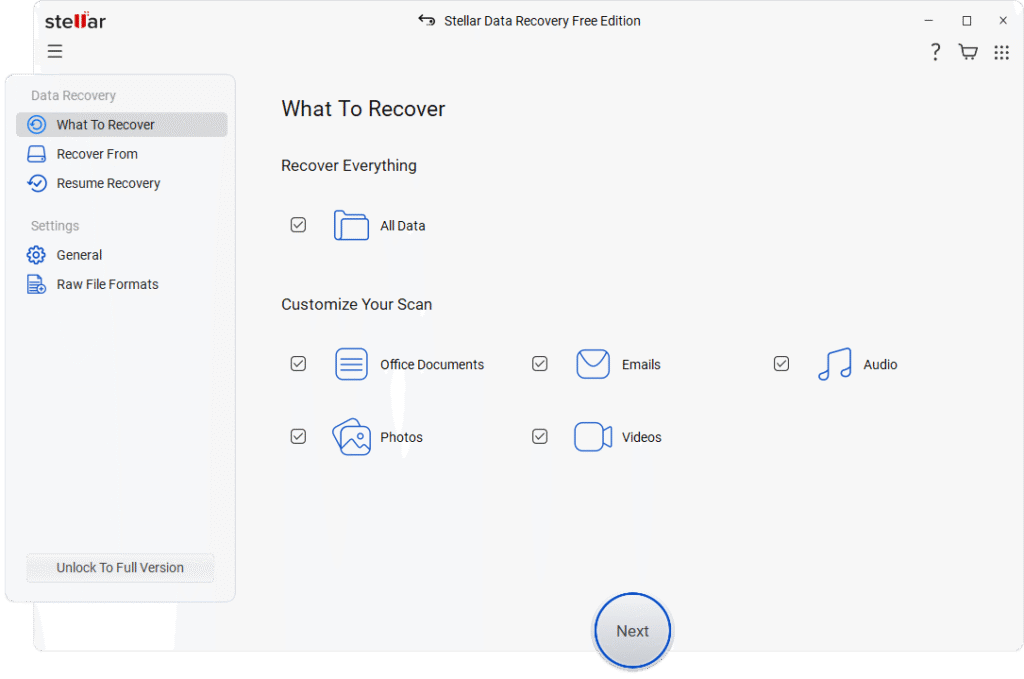
Stellar Data Recovery is one of the most commonly used free data recovery software tools that help users recover lost, deleted, or formatted files from Windows PCs and storage devices. It supports data recovery from various internal or external storage devices, including hard drives, SSDs, USB flash drives, and memory cards. The free version supports recovery of deleted files up to 1 GB for free, making it suitable for recovering important documents, photos, and small media files. The software is known for its intuitive interface and guided recovery process.
Key Features:
- Recovers deleted files of various types, including photos, videos, documents, emails, etc., from internal drives and external storage devices.
- The Stellar Data Recovery Free software supports the recovery of files deleted due to various reasons, such as formatting, corruption, accidental deletion, and many other reasons.
- It offers quick scan and deep scan modes ensure thorough detection of recently deleted and older lost files.
- Its easy step-by-step and intuitive interface makes it perfect for beginners.
- Free version restores up to 1GB of data, ideal for recovering essential documents and smaller multimedia files.
Best Use Case:
The Stellar Data Recovery Free software is best for retrieving recently deleted or accidentally formatted files quickly — ideal for home users recovering documents, photos, or videos.
02: EaseUS Data Recovery Wizard Free Edition
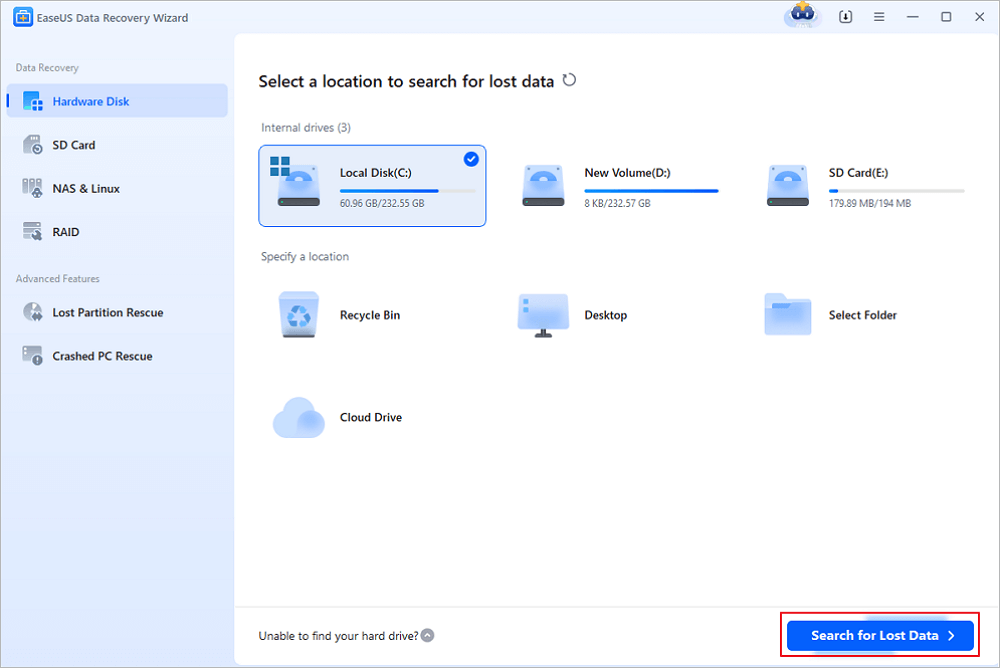
EaseUS Data Recovery Wizard (Free Edition) is one of the most popularly known free data recovery software tools available in 2026. You can use this software to recover deleted, formatted, or lost files from Windows and macOS devices. The intuitive and user-friendly interface of this software allows you recover deleted files in a few simple clicks. The software supports a wide range of storage media, including HDDs, SSDs, USB drives, and memory cards. With both quick and deep scan modes, it offers reliable performance for common data loss situations without requiring advanced technical skills.
Key Features:
- It supports the recovery of deleted, formatted, or lost files from internal and external storage devices easily.
- This free data recovery software allows file preview before recovery, helping users verify content and avoid restoring unwanted data.
- Compatible with NTFS, FAT, exFAT, EXT, and other major file systems across platforms.
- User-friendly interface designed for beginners with guided steps and minimal technical complexity.
Best Use Case:
Ideal for recovering recently deleted documents, photos, or videos from Windows or Mac systems.
03: 4DDiG Free Data Recovery
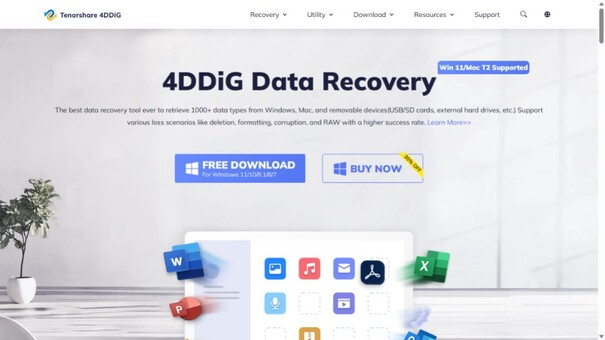
4DDiG Free Data Recovery is a versatile free data recovery software solution that helps you recover files deleted from any internal or external storage media. It supports recovery from internal drives, external hard drives, USB flash drives, memory cards, and more. The free edition offers powerful scanning capabilities with deep and quick scan options, which makes it effective for restoring both recently deleted files and data lost due to formatting or corruption. With a clear interface and broad file-type compatibility, 4DDiG balances functionality and ease of use.
Key Features:
- Supports recovery of files deleted due to accidental deletion, formatting, system failures, etc.
- It allows you to preview recoverable files before restoring to confirm successful recovery.
- Easy-to-navigate interface suitable for beginners without requiring advanced technical skills.
- Works with multiple file systems, including NTFS, FAT, exFAT, and more for versatile recovery.
Best Use Case:
Popularly known for recovering accidentally deleted photos, videos, or documents from USB drives or memory cards.
04: FreeRecover
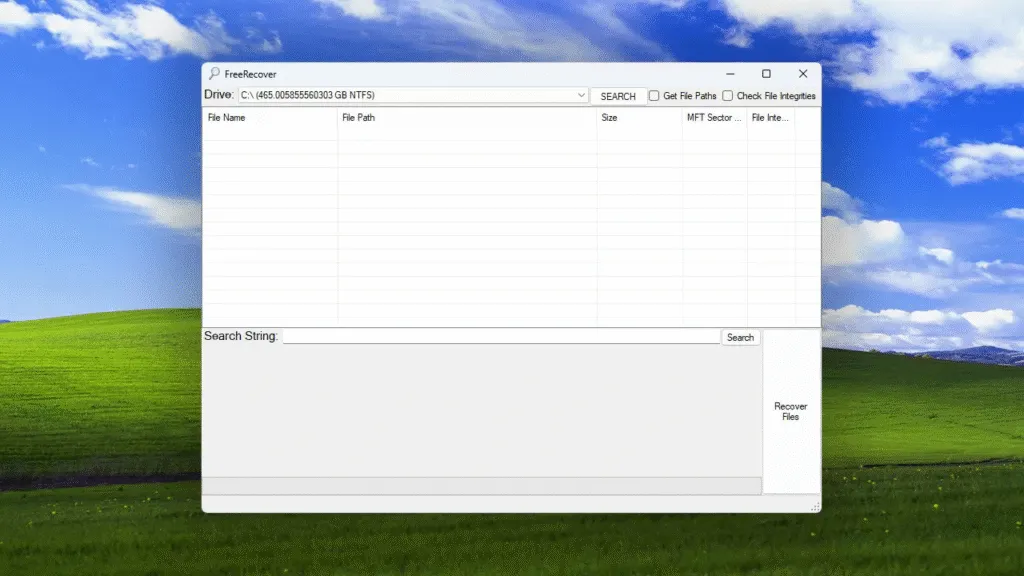
FreeRecover is a simple, open-source free data recovery software for Windows that focuses on retrieving deleted files from NTFS-formatted drives. Unlike other recovery tools, this software doesn’t require any installation. You can download and run this tool directly, which helps avoid overwriting lost data during setup. The software, though, lacks advanced deep-scan modes and hasn’t been updated in years, but its lightweight design and no-cost, open-source nature make it perfect for NTFS systems.
Key Features:
- This open-source, free data recovery software is designed specifically for NTFS file systems on Windows.
- It provides a basic file preview before restoring files to avoid useless recoveries.
- Can run without installation, reducing the risk of overwriting lost data during setup.
- Simple interface with essential recovery options, though lacking advanced features like deep scanning.
Best Use Case:
Useful for quickly recovering recently deleted files on NTFS drives before they’re overwritten.
05: Puran File Recovery
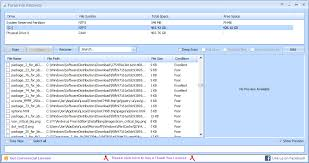
Puran File Recovery is a free and straightforward data recovery tool that supports the recovery of deleted files of various types, including photos, videos, documents, etc. This software is designed only for Windows OS and is compatible with a wide range of storage media, including hard drives, USB flash drives, memory cards, and even formatted disks. With a simple interface and the ability to preview recoverable files, this tool remains a practical choice for users wanting basic recovery without complex settings.
Key Features:
- Quick Scan enables rapid recovery of recently deleted files from NTFS and FAT file systems.
- Deep Scan performs byte-by-byte scanning to uncover more lost or deleted files on drives.
- Supports file preview before recovery, helping confirm desirable files before saving.
Best Use Case:
Perfect for retrieving accidentally deleted documents, photos, and files from Windows-formatted drives.
06: Disk Drill Free Data Recovery
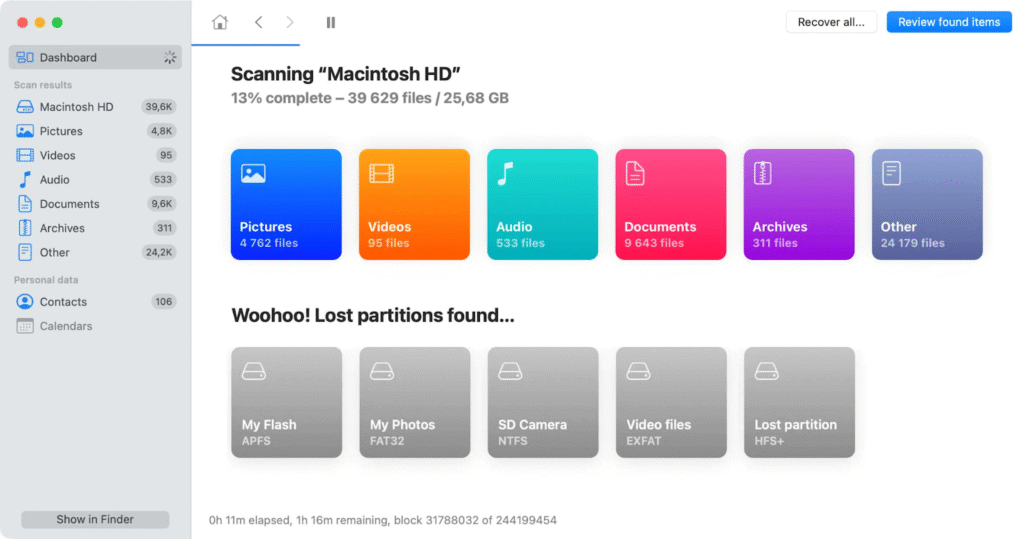
Disk Drill Data Recovery is a powerful and well-regarded free data recovery software that combines an attractive graphical UI with powerful scanning engines. This user-friendly tool is compatible with both Windows and macOS devices. It supports internal and external disks, USB drives, memory cards, and more, and includes extra tools like Recovery Vault for data protection and byte-level backups for safer recovery workflows. The software is well-known for its intuitive interface, which makes it a good choice for both beginners and experienced users.
Key Features:
- Supports recovery of files deleted due to accidental deletion, formatting, virus or malware attacks, etc.
- Provides file preview and recovery-chance indicator before restoring lost files to prevent unnecessary recovery.
- It is compatible with various file systems such as NTFS, FAT32, exFAT, HFS+, APFS, and EXT series.
- Intuitive user interface with filters and sorting for easier navigation of recoverable files.
Best Use Case:
Those who value UI and extra disk tools, along with core recovery — especially useful for multimedia and general files.
Wrapping Up
Recovering deleted files may seem complex, but the aforementioned top 06 free data recovery software tools can help you easily restore your lost files. Irrespective of the reasons for data loss on your PC, these recovery tools allow you recover files even without any adequate backup. Before you select any recovery software, it’s important to carefully check the features, compare these tools, and then choose the one that best fits your needs.
No matter which recovery software you choose, the golden rule remains: act quickly, avoid writing new data, and use multiple tools if necessary. With that approach, many accidental data loss scenarios can be dealt with effectively, even for free.